Sound Bar Quick Guide
AUX IN Connection
The product can be used to play the music from many types of external device.
If your device has only one output for audio (mono), connect it to the left audio jack on the product.
- a Connect the external device (Blu-ray player, game console, etc.) to the AUX IN (L/R) connector of the speaker.
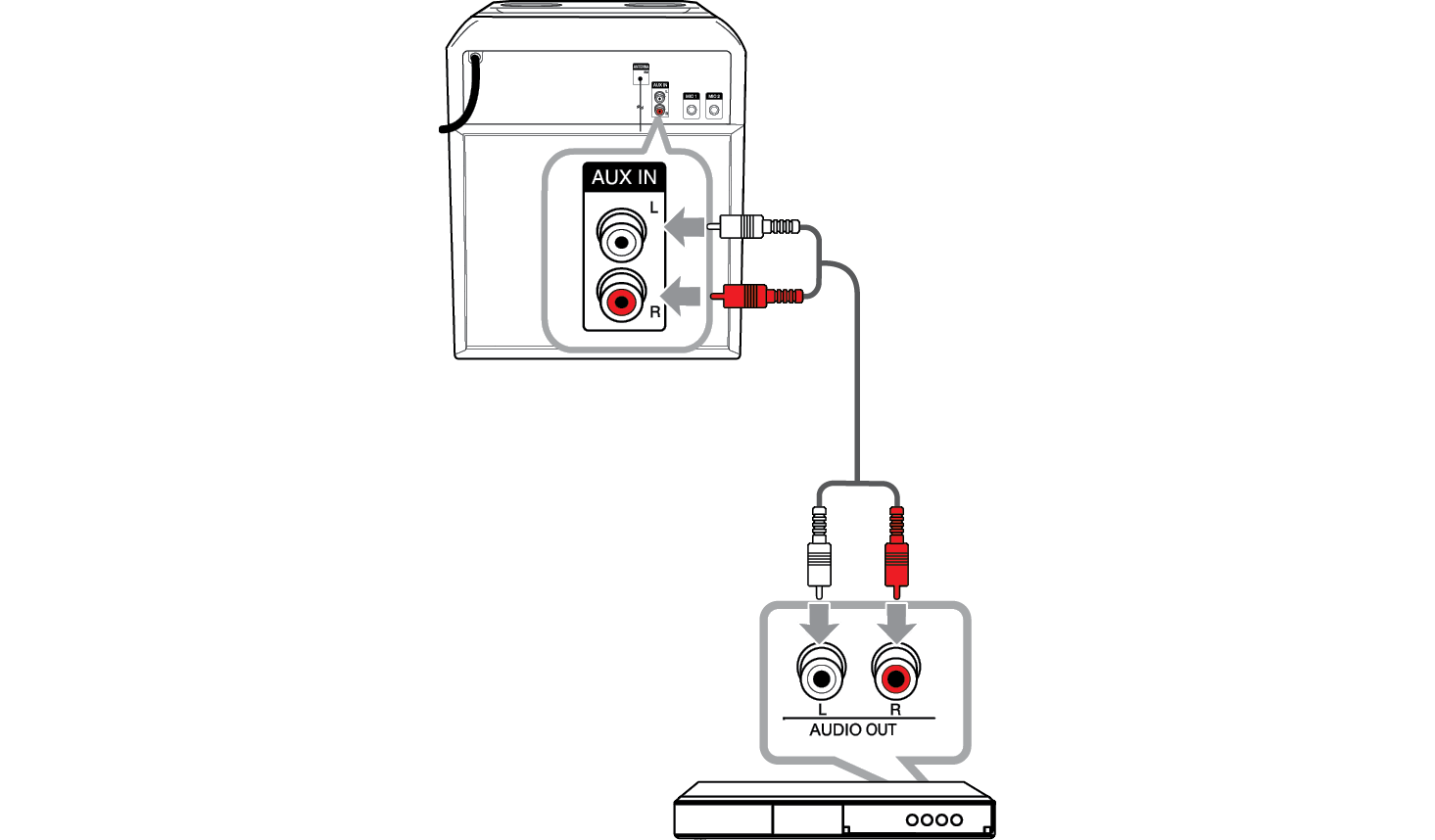

-
b Turn the power on by pressing
 .
.


-
c Press
 repeatedly until “AUX” appears on the status display.
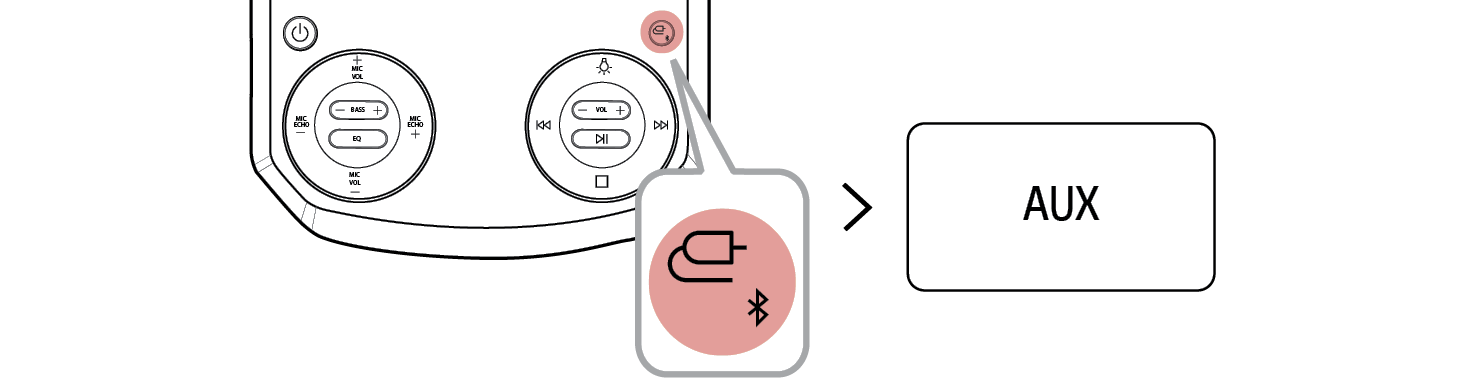

- d Turn on the external device and start it playing.
Connecting to Bluetooth