Sound Bar Quick Guide
AUX (Portable Input) Connection
This receiver can be used to play the music from portable device (MP3 or PMP etc.).
Connecting an external device via AUX
-
a Press the Power
 button to turn on the receiver.
 - b Connect the external device to the AUX terminal via a 3.5 mm stereo cable. Product will automatically recognised when connecting a stereo cable. “AUX” will appear on the status display.
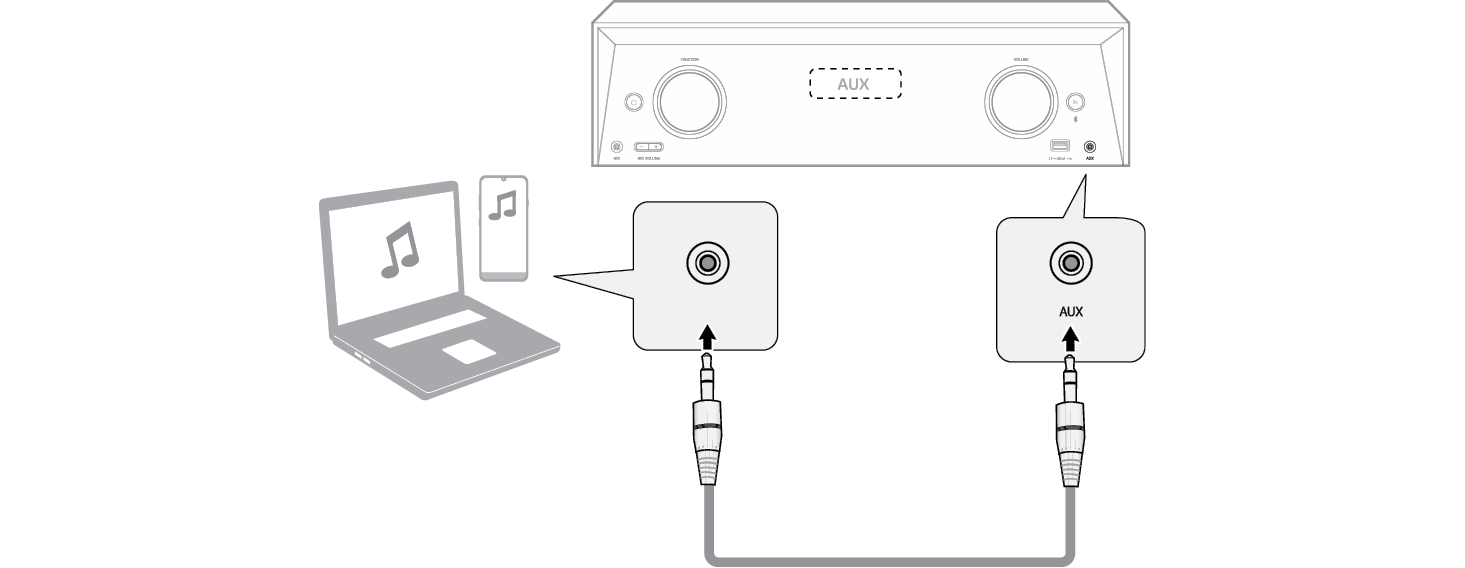

- c Turn the external device on and start playing.
|
|
|
|
|

