Sound Bar Quick Guide
Deleting a file/folder or format
You can delete file, folder on your USB or format the USB.
- a Plug the USB storage device into the USB port on the front of the receiver.
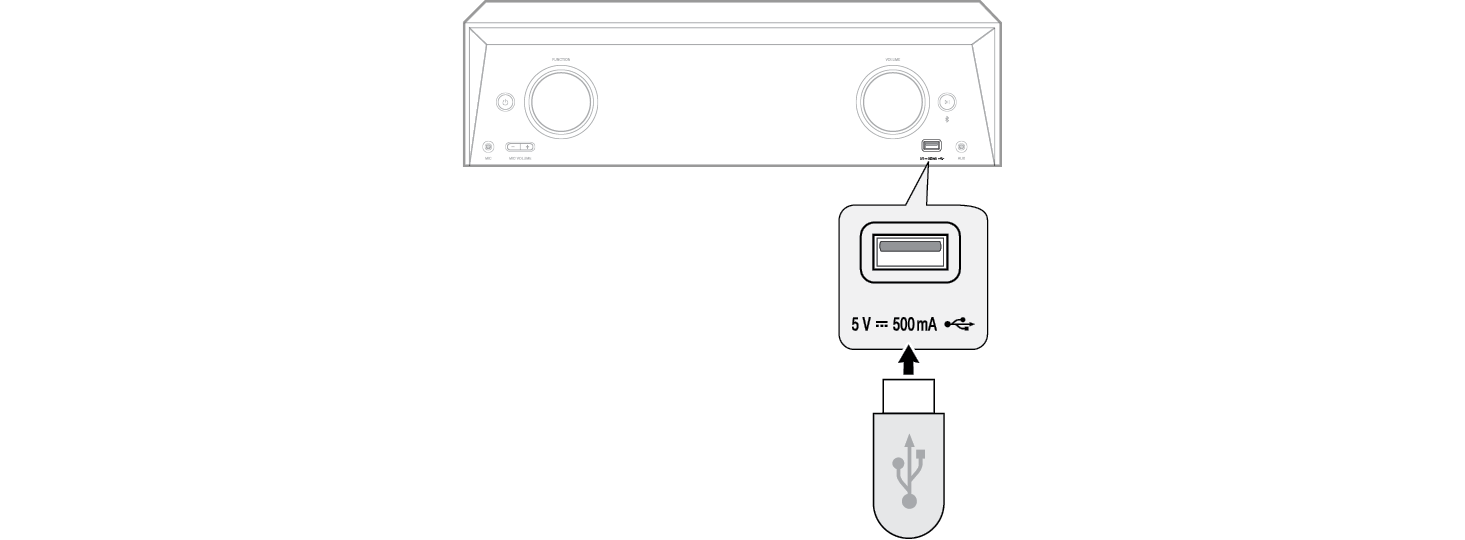

-
b Press the Function
 button repeatedly until “USB” appears on the status display.


- c Press the the DELETE button repeatedly. The display changes cyclically in the display window as follows.:
- DEL FILE?: Select the file you want to delete.
- DEL FOLDER?: Select the folder you want to delete.
- FORMAT?: Select to format the USB device.


-
d To delete file/folder or format, press the OK
 button on the remote control.
|
|
|
|
|

