Sound Bar Quick Guide
Connecting the Product
Please make sure to disconnect the AC power cord before making any connection between the receiver and any other device.
To connect the speakers to the receiver, insert the wires in the following order.
- a Connect a speaker cable plugs to the receiver. When connecting a speaker cable plugs to the receiver, insert the connector until it clicks.
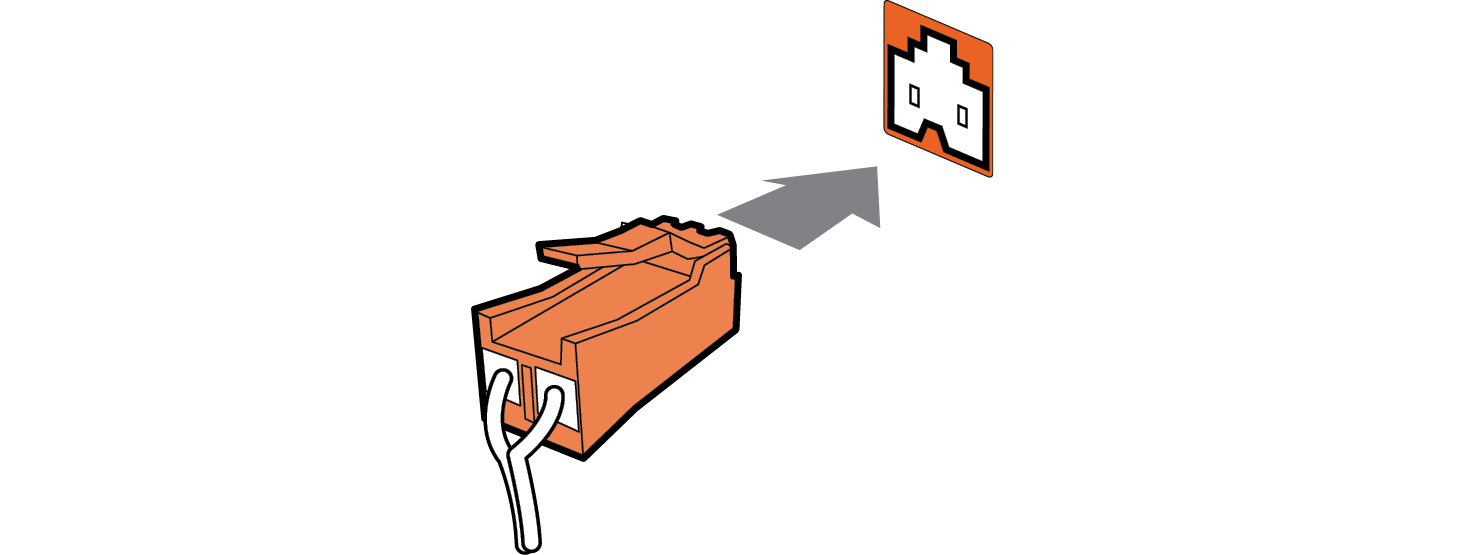

- b Match each speaker cable plugs to the same coloured connection terminal on the rear of the receiver.
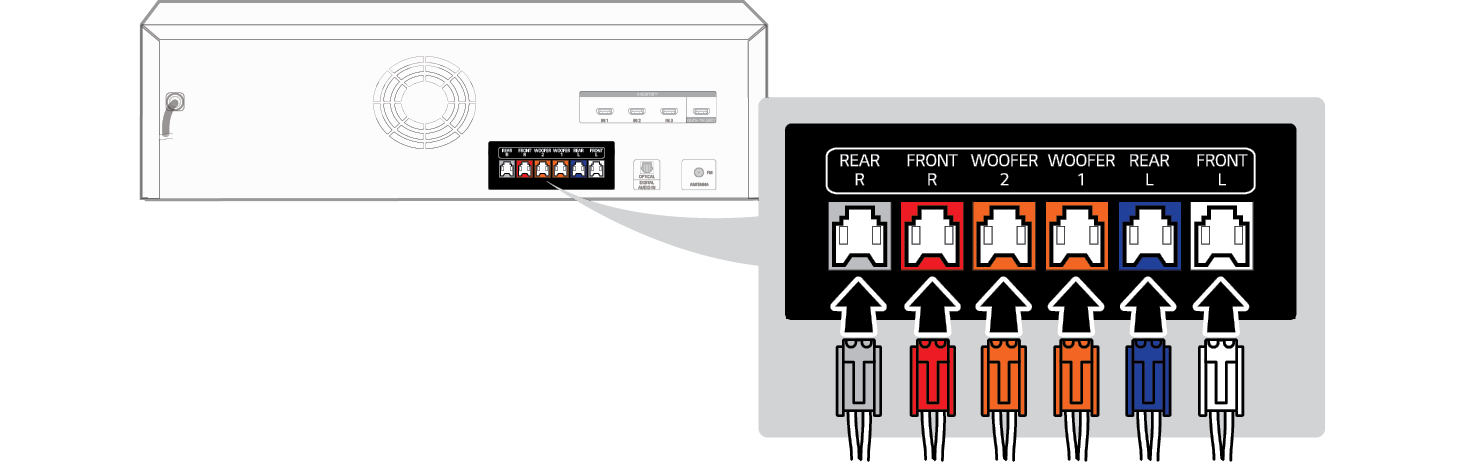

|
Colour |
Speaker |
|
Grey |
REAR R |
|
Red |
FRONT R |
|
Orange |
WOOFER R |
|
Orange |
WOOFER L |
|
Blue |
REAR L |
|
White |
FRONT L |
- c Plug the power cable into an outlet.


|
|
|
|
|


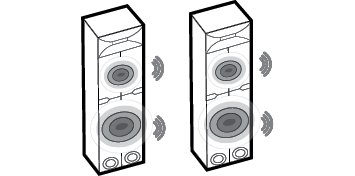
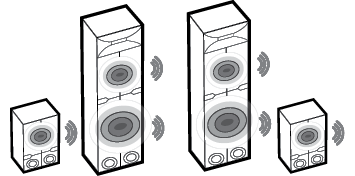
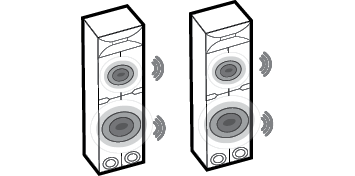
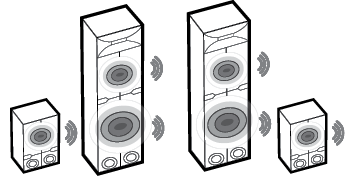
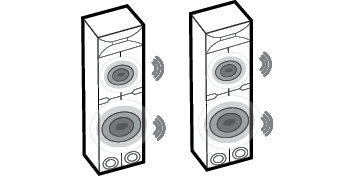
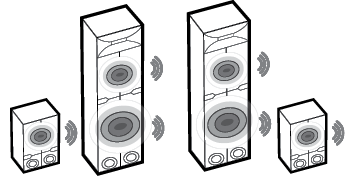
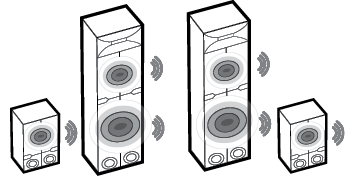
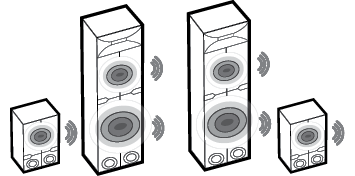
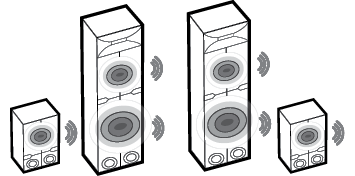
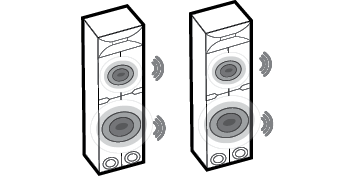
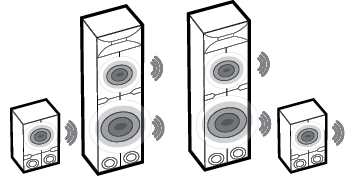
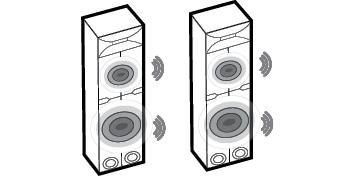
Speaker sound based on input channels
|
Sound Effects |
|
|
Input |
Output |
|
AI SOUND PRO Sound customised with artificial intelligence |
|
|
2.0 channels |
|
|
5.1 channels or more |
|
|
CLEAR VOICE Voice sound clear, improving the quality of voice sound |
|
|
2.0 channels |
|
|
5.1 channels or more |
|
|
STANDARD You can enjoy optimised sound. |
|
|
2.0 channels |
|
|
5.1 channels or more |
|
|
BASS BLAST (BASS BLAST+) Sound with reinforced bass |
|
|
2.0 channels |
|
|
5.1 channels or more |
|
|
FOOTBALL Realistic sound like in a stadium |
|
|
2.0 channels |
|
|
5.1 channels or more |
|
|
CINEMA Cinematic 3D sound |
|
|
2.0 channels |
|
|
5.1 channels or more |
|
|
GAME Optimised sound for game |
|
|
2.0 channels |
|
|
5.1 channels or more |
|
|
MUSIC You can enjoy optimised sound. |
|
|
2.0 channels |
|
|
5.1 channels or more |
|
Exploring the Product