Sound Bar Quick Guide
Installing the LG ThinQ app and registering the product
You can manage your home appliance whenever wherever by the LG ThinQ app.
Product without the QR code
- a Go to the Google Play or the App Store on your smartphone and search for the LG ThinQ app to install it.
- b Run the LG ThinQ app and log in to the app with your account. If you don't have an account, you can also create a new one.
- c Press the add (o) button and follow the instructions on the LG ThinQ app to register your product.
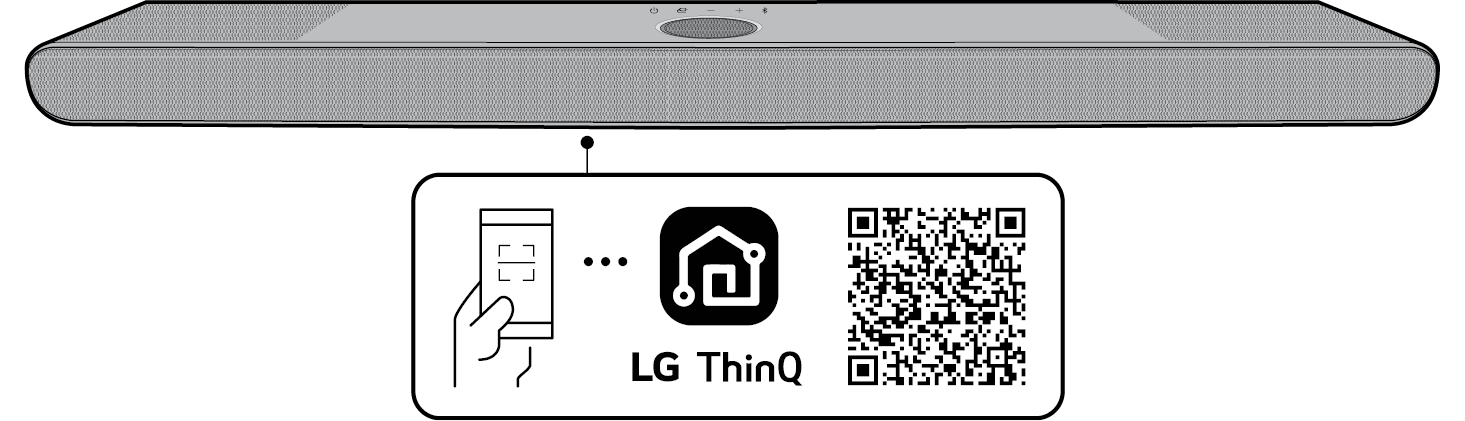
Product with the QR code
Scan the QR code on the bottom of the product with your smartphone camera or a QR code scan app.

|
|
|
|
|

