Sound Bar Quick Guide
Top
|
a |
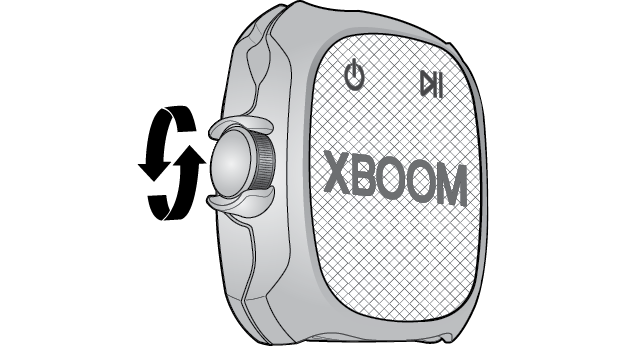
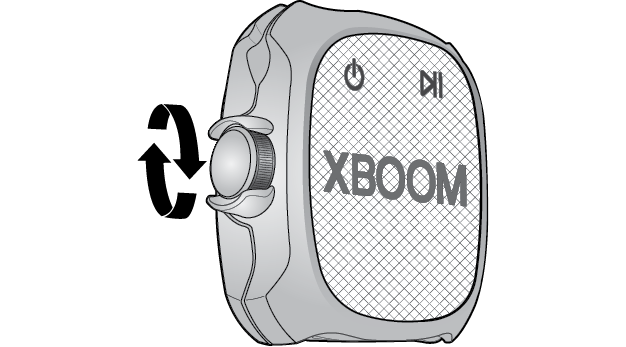
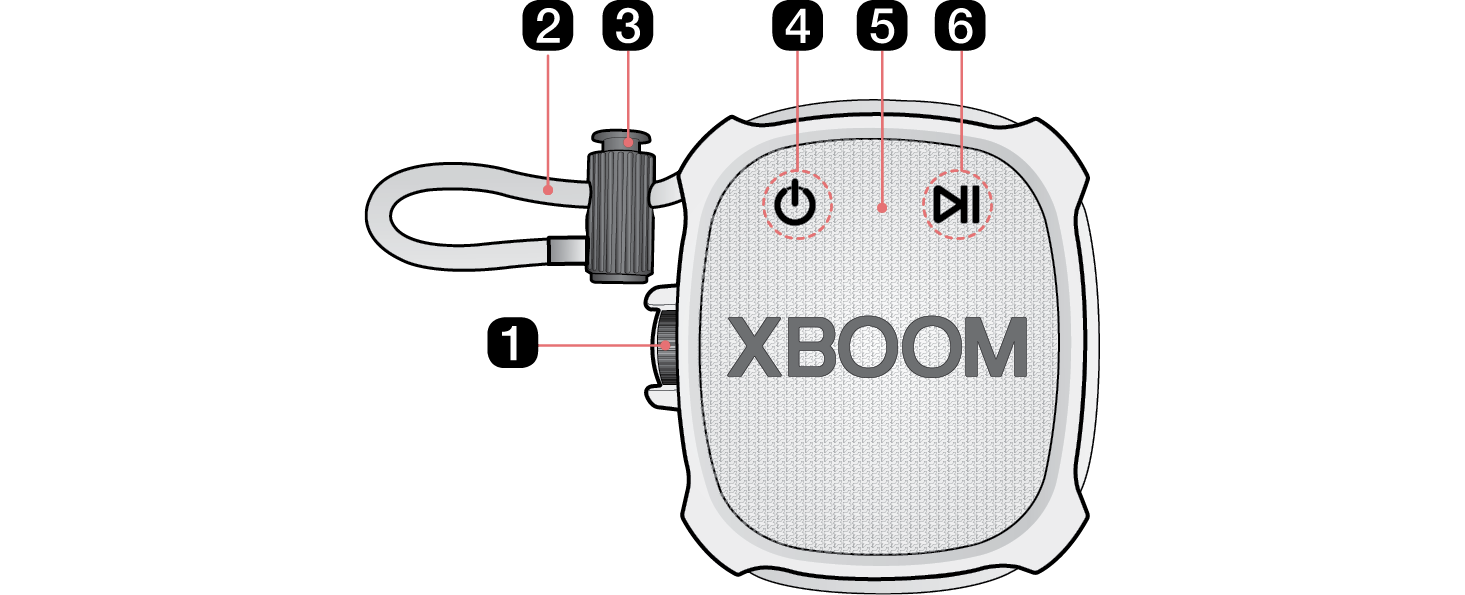
Volume Adjust the volume level by turning the knob either upward (+) or downward (-) based on the front of the product.
Volume (+)
Volume (-) |
|
b |
String You can easily mount and use the speaker anywhere with the string. |
|
c |
String adjuster You can adjust the length of the string. |
|
d |
Power Turns the speaker on or off. |
|
e |
Microphone You can use the voice command and Hands-Free function while the speaker is connected to Bluetooth. |
|
f |
Play/Pause While Bluetooth is connected, press the button to operate the Bluetooth device.
|