Sound Bar Quick Guide
Mounting the Sound bar with the TV to a Wall
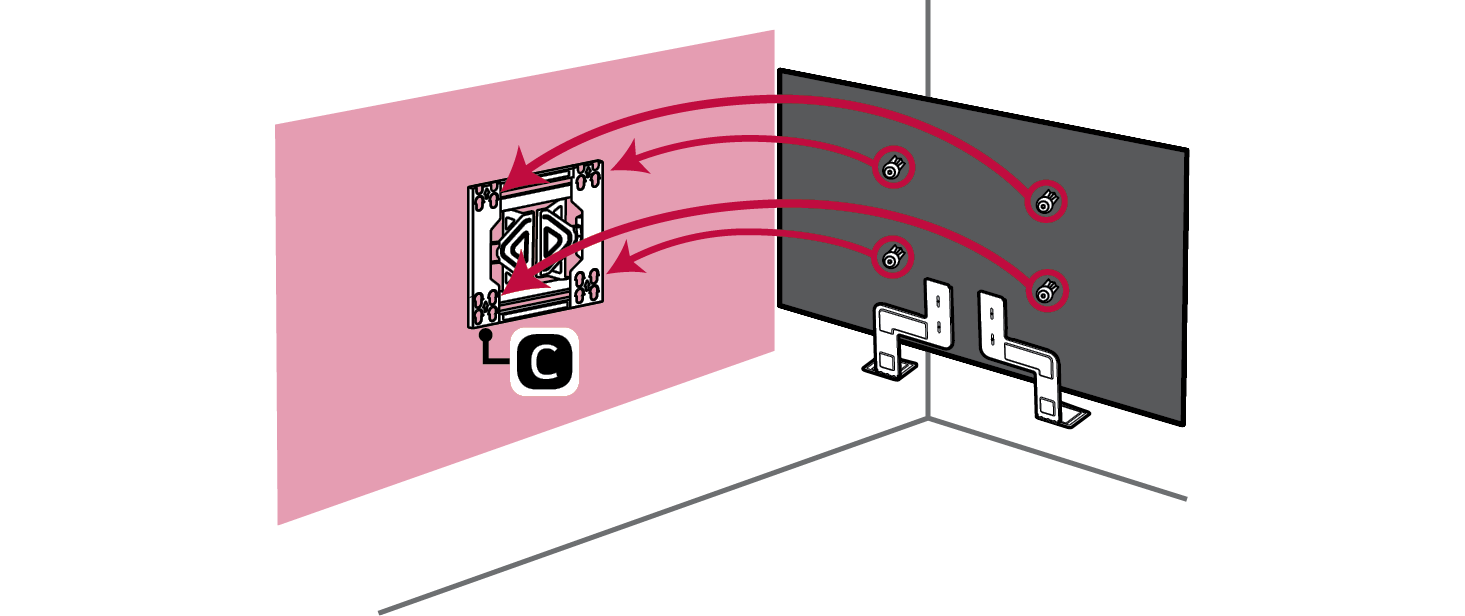
- a Refer to the TV's instruction manual and install the TV with the bracket attached. Refer to the TV's manual for how to attach the wall bracket on the TV.

|
|
|||||||
|
|
|||||||
|



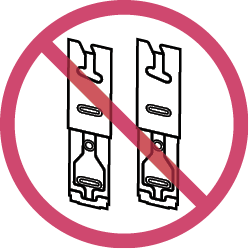
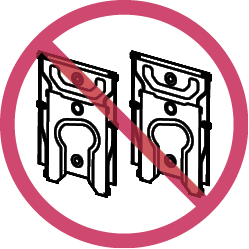
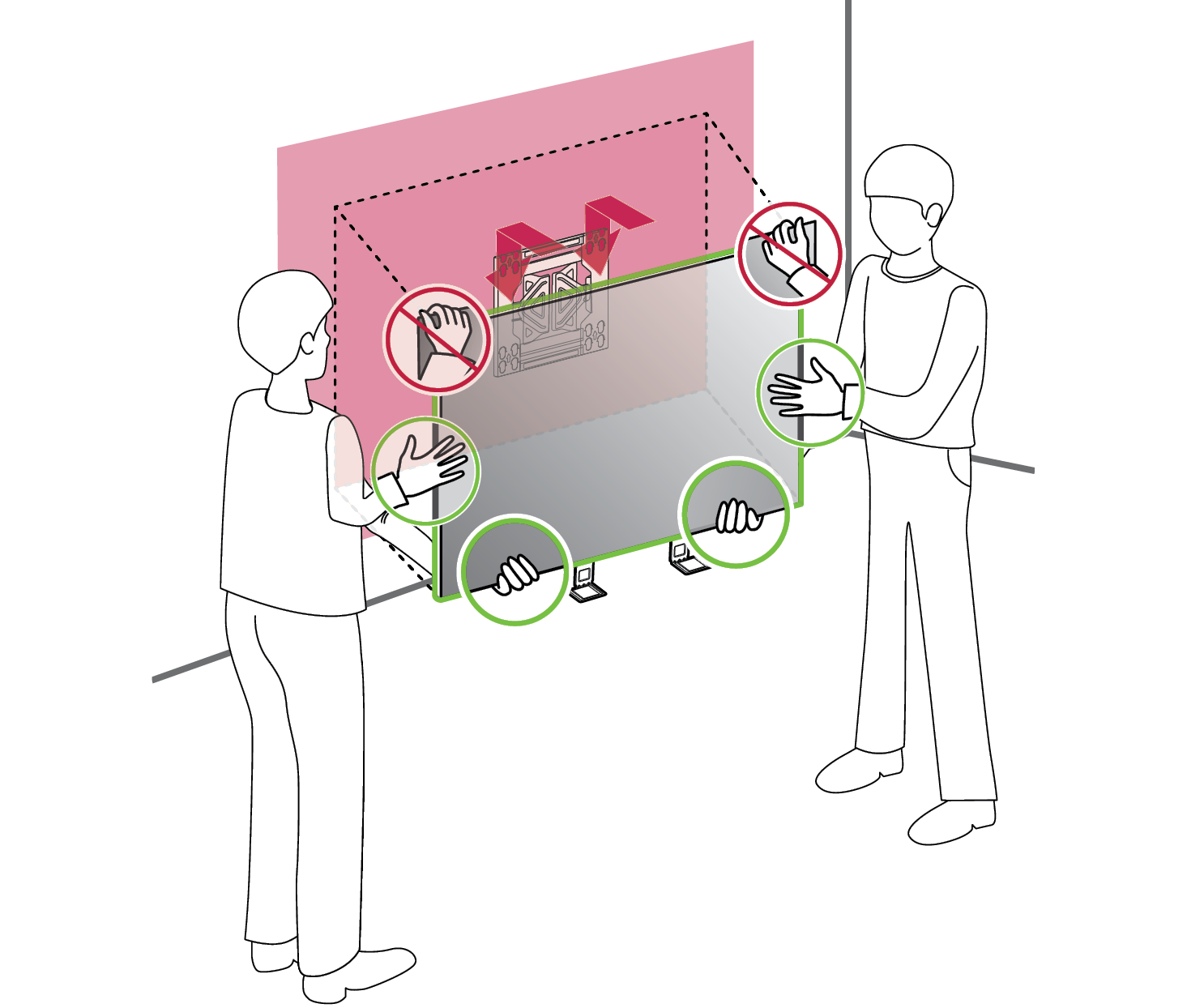
- b Mount the TV on the wall.

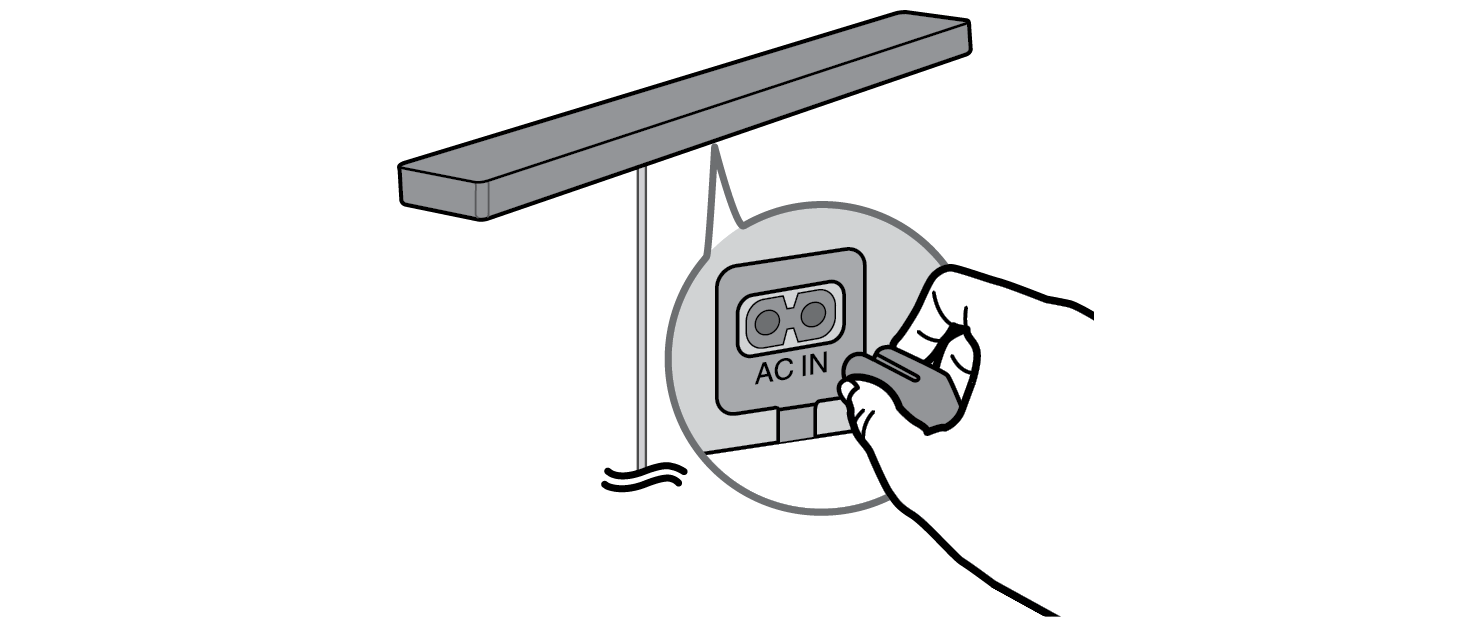
- c Connect the power cable to the AC IN terminal of the soundbar.

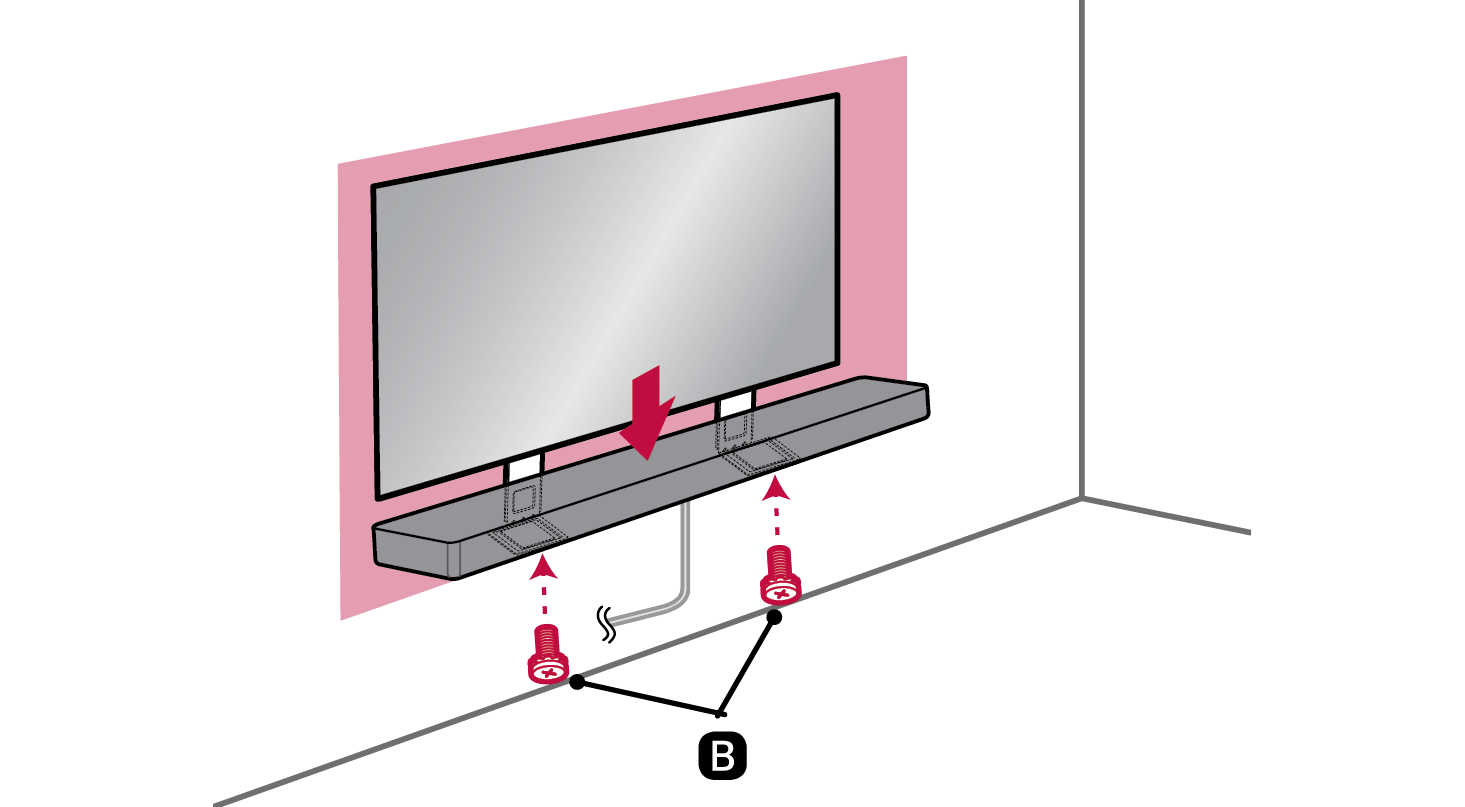
- d Place the soundbar on the bracket. After making sure that the TV and soundbar are centered, use two screws b (M4 x 12 mm) to secure the soundbar firmly to the bracket.

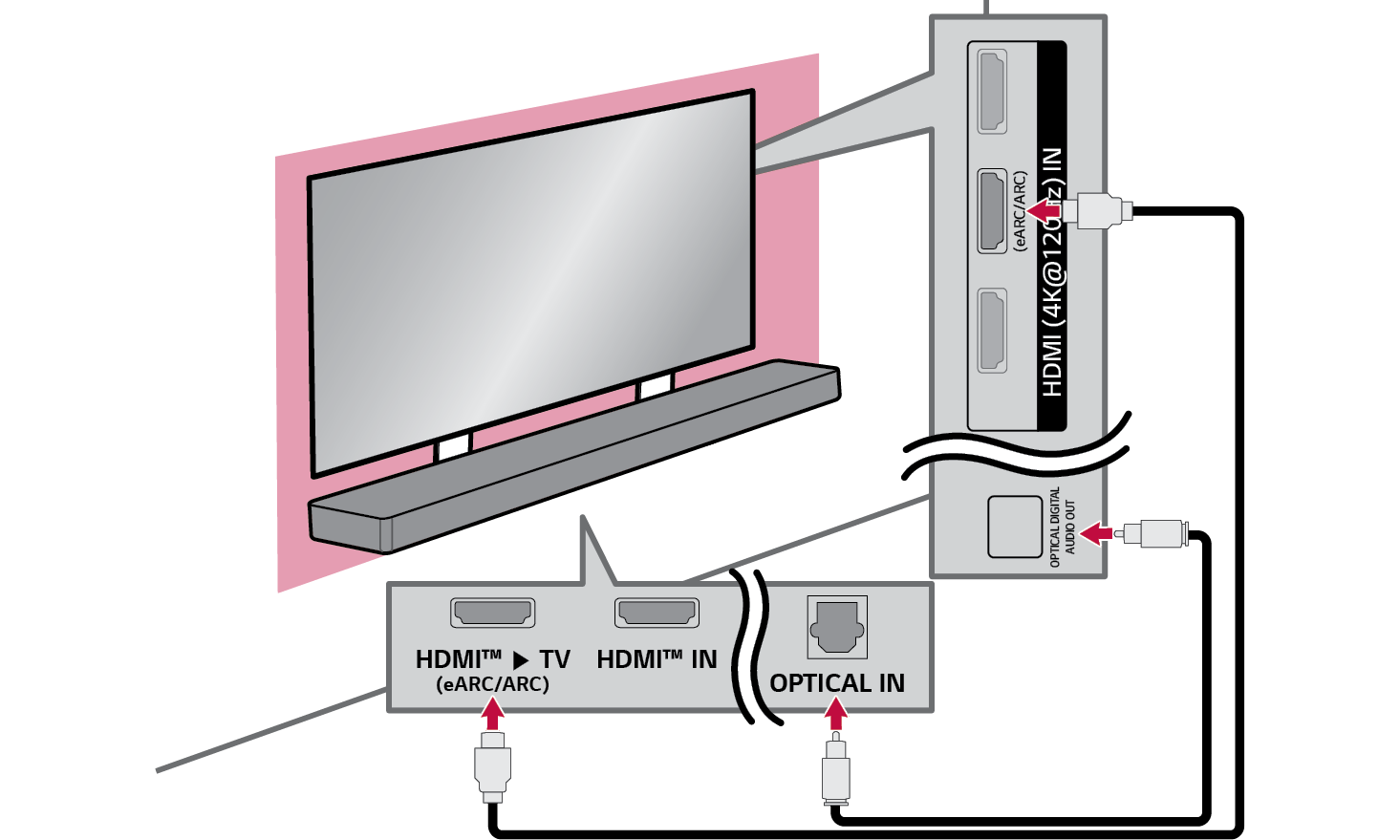
- e Connect the cable connected to the soundbar to the TV. Connect the soundbar and TV using an HDMI cable or optical cable.

|
|
|
|
|



Safety Precautions