Sound tuning
You can adjust the sound level of each speaker and sound tone.
- a Press Settings
 button repeatedly until [WF] appears on the display window. It shows the current sound level.
 - b Press Left/Right button to choose the speaker you want to adjust. (WF, C, *OVC, S, LOW, MID, HIG)
- c Press Up/Down button to adjust the sound level. The sound level for each speaker are displayed in the display window, and the lighting indicator is displayed as follows.
|
WF(Subwoofer) |
|
|
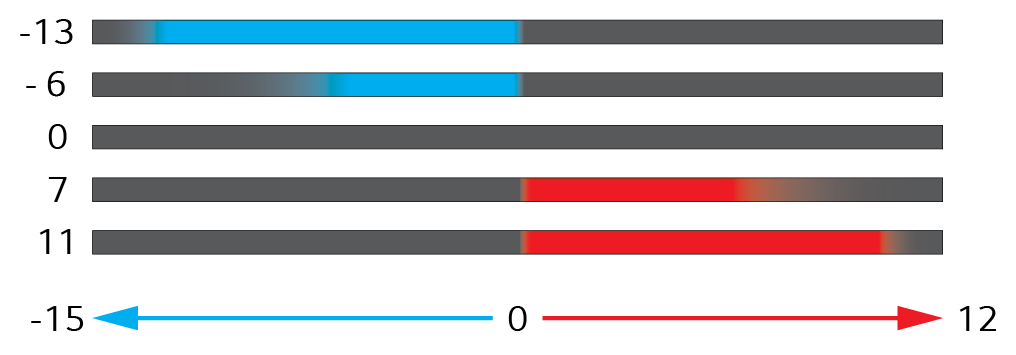
|
C(Center), OVC(Overhead), S(Side), LOW(Bass), MID(Mid), HIG(Treble) |
|
|
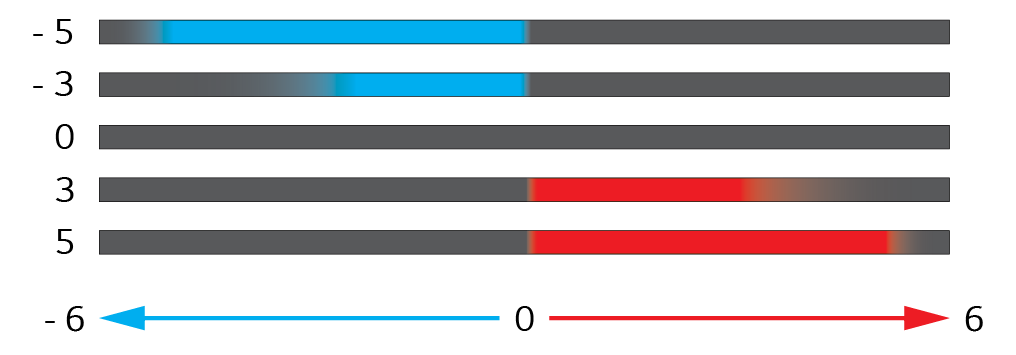
|
|
|
|
|

