Using Ambient lighting
Ambient lighting creates a more immersive atmosphere.
Using Ambient lighting on the Product
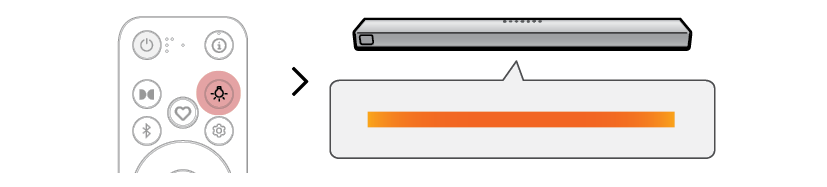
You can press the Lighting  button on the remote control repeatedly to turn ambient lighting on or off, and use the preset lighting. ([ See “Using Ambient lighting in the LG ThinQ app”)
ON [ LED1 [ LED2 [ LED3 [ OFF

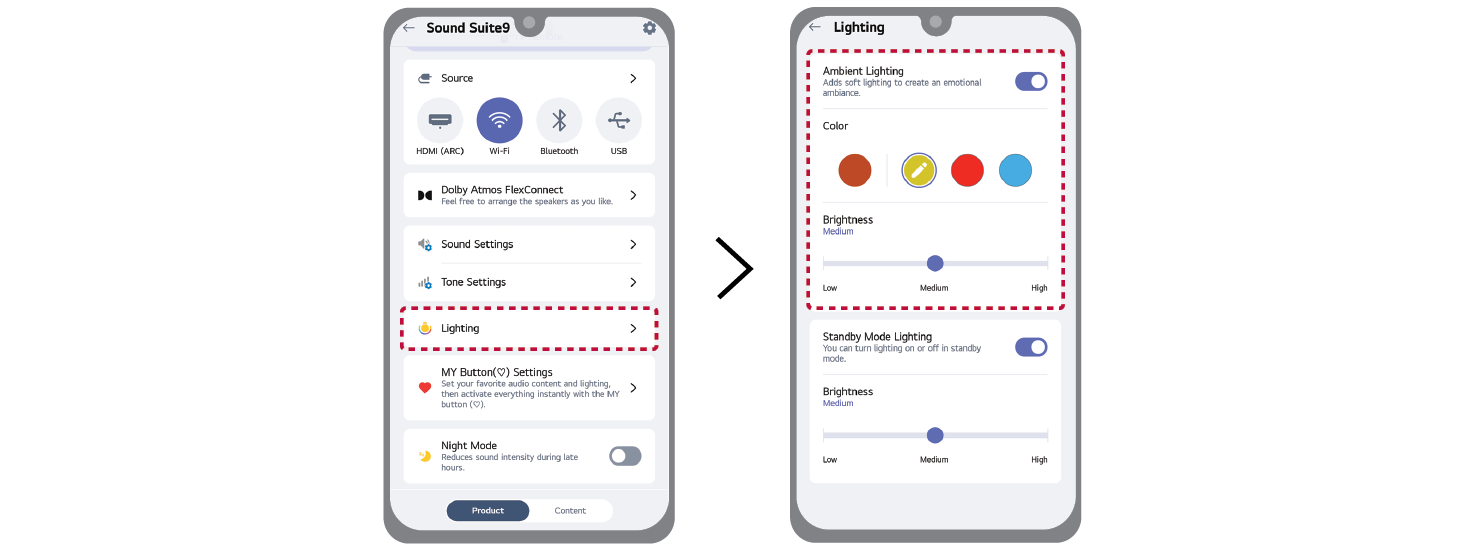
Using Ambient lighting in the LG ThinQ app
You can turn the ambient lighting on or off using the LG ThinQ app. After turning on ambient lighting, set the desired color and brightness.

|
|
|
|
|

