Sound Bar Quick Guide
Top
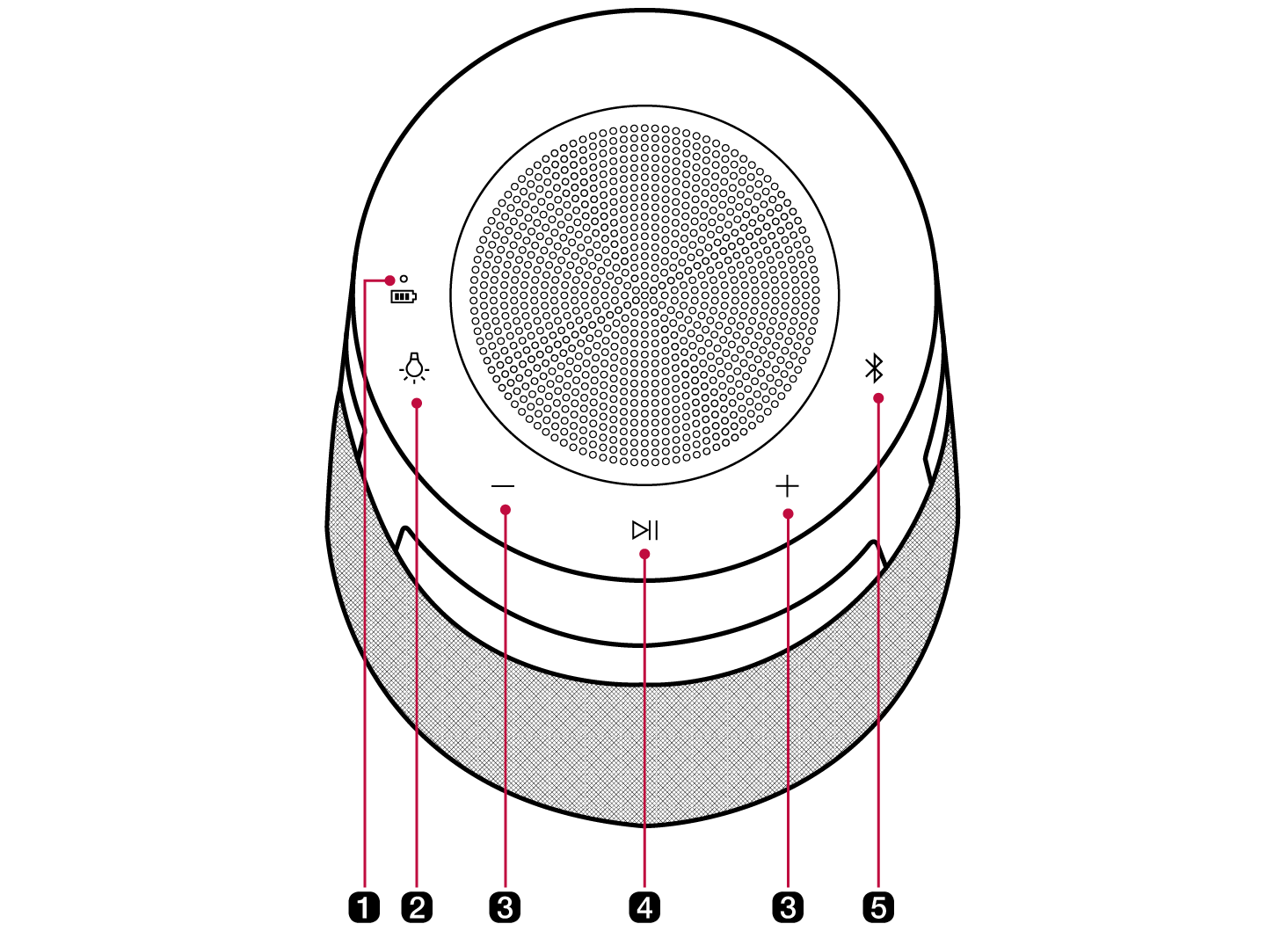
|
a |
Battery LED Please check the battery charging level and battery status. ([ See “Checking Battery Status” on page 11.) |
|
b |
Mood lighting Press the button to select the desired mood lighting.
|
|
c |
Volume It controls the volume level. |
|
d |
Play/Pause Press the button to operate the product.
|
|
e |
Bluetooth You can change the Bluetooth settings.
|
|
Bluetooth LED Indicates the Bluetooth connection status.
|


|
|
|
. CAUTION |
|
