Connecting with an HDMI Cable - LG Soundbar S30A Wireless Soundbar
Connect the TV and external device (game console, DVD player, etc.) with an HDMI cable and enjoy a deep and rich sound.
Connecting an external device via HDMI
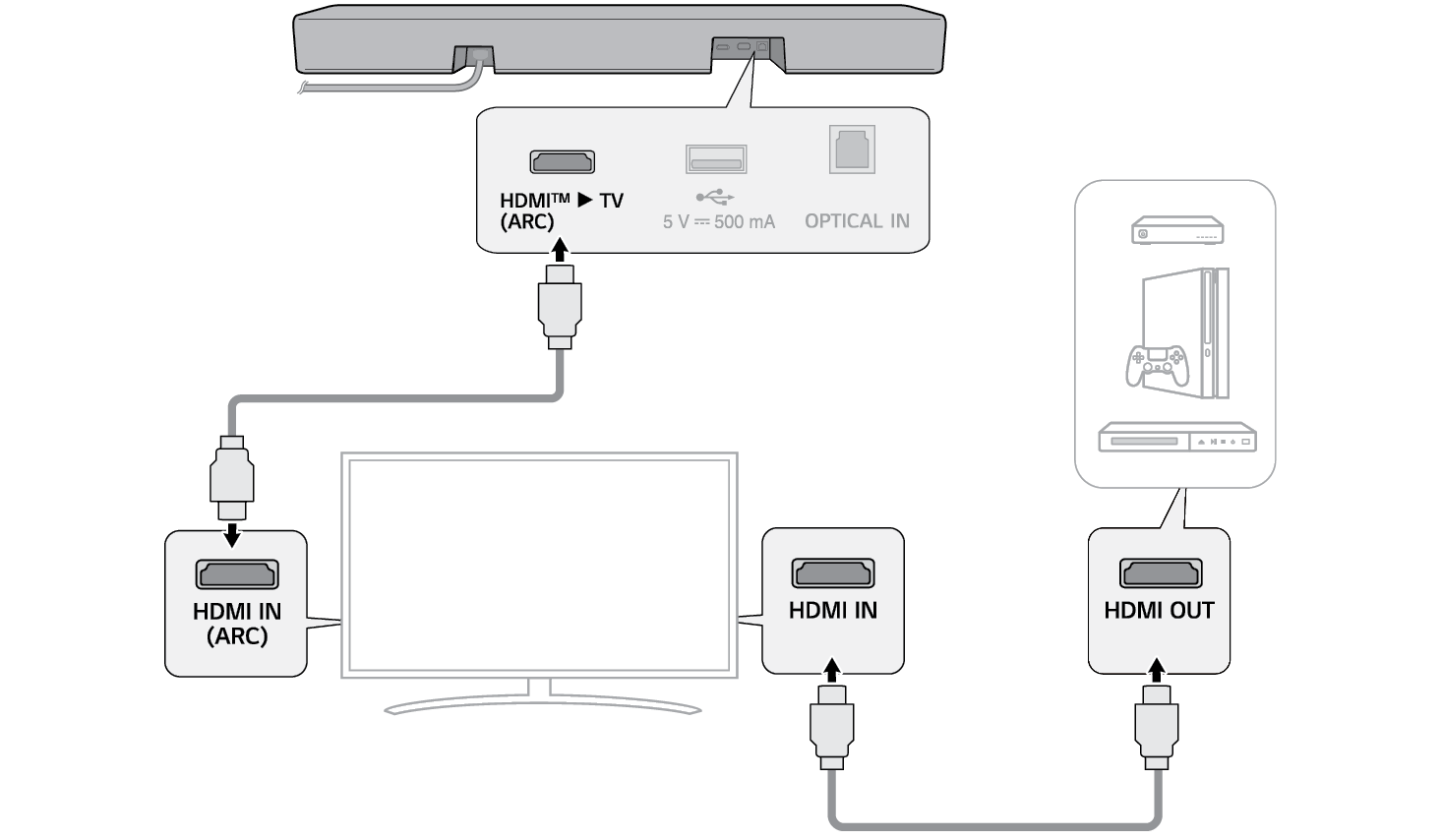
- a Connect an external device such as a Set-top box, DVD or Blu-ray player. Following the picture below, connect the HDMI OUT terminal of the device to the HDMI IN terminal on the TV.
- b Using the HDMI cable, connect the HDMI™ d TV (ARC) terminal on the back of the product to the HDMI IN (ARC) terminal on the TV.

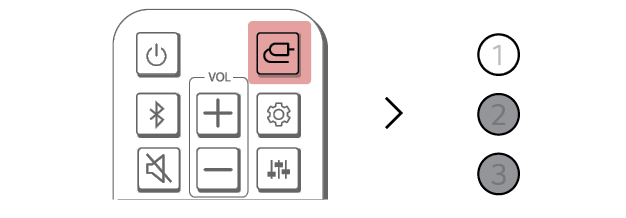
- c Press the Function
 button repeatedly until LED1 lights up white.

- d When the external device is properly connected to the product, you can listen to the sound of the device.
|
|
|
|
|

