Sound tuning - LG Soundbar S30A Wireless Soundbar
You can adjust the sound tone.
- a Press Sound Tuning
 button. The product enters the setting mode and displays the current level of the product.
 - b Press Left/Right button to choose the speaker you want to adjust.
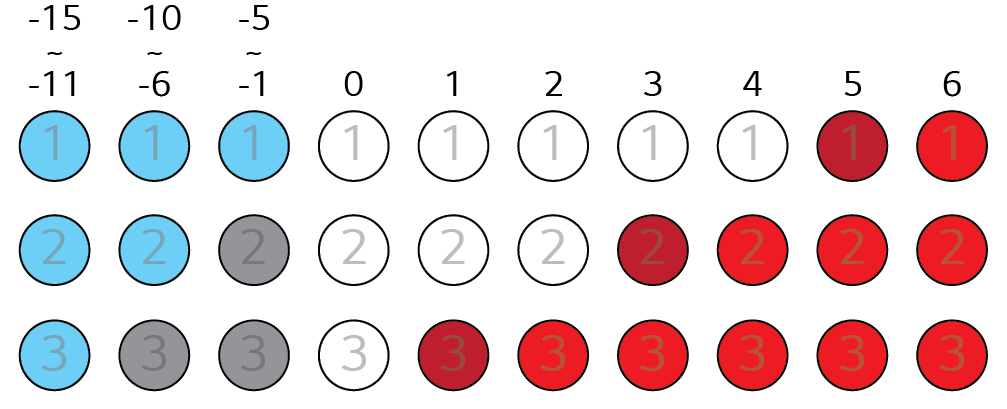
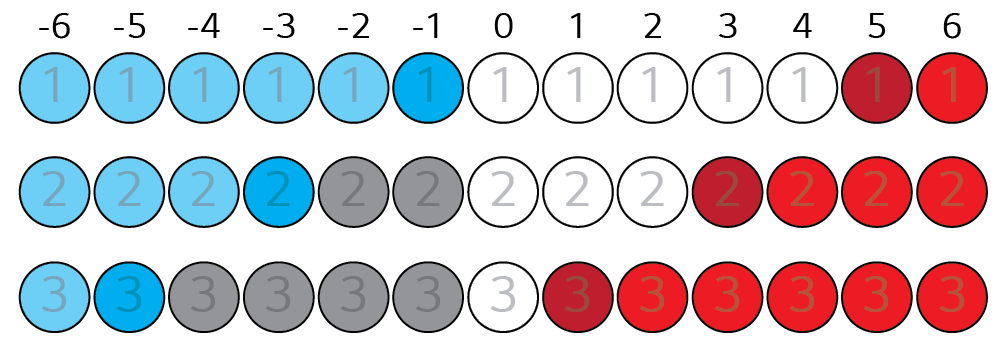
- c Press Up/Down button to adjust the sound level.
|
Subwoofer (-15 ~ 6) |
|
|
|
Treble, Mid, Bass (-6 ~ 6) |
|
|
|
|
|
|
|
If you press Up/Down button even when the level has reached the maximum or minimum, the current function LED will blink 3 times. |

