Wi-Fi Soundbar
Installation

Sound Bar Quick Guide

Installing the LG ThinQ app and registering the product

You can manage your home appliance whenever wherever by the LG ThinQ app.

Product without the QR code

  1. a Go to the Google Play or the App Store on your smartphone and search for the LG ThinQ app to install it.
  2. b Run the LG ThinQ app and log in to the app with your account. If you don't have an account, you can also create a new one.
  3. c Press the add (o) button and follow the instructions on the LG ThinQ app to register your product.

Product with the QR code

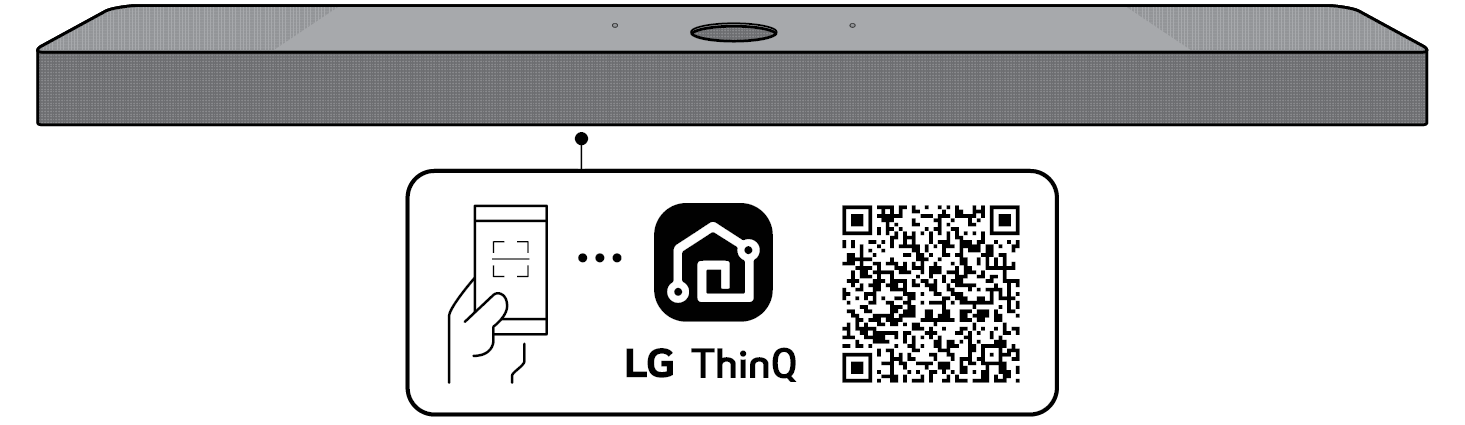
Scan the QR code on the bottom of the product with your smartphone camera or a QR code scan app.
152988.png

152986.png

152974.png

152966.png Note

  • Please note that the QR code may not be available at the time of purchase.
  • The QR code attachment location may differ depending on the product.
  • Settings menu items may vary depending on the smartphone manufacturer and OS.
  • Google, Android, Google Play, Google Home and Google Cast are trademarks of Google LLC.
  • If the router password contains some special characters (such as ` ' " + / \ ; : - _ ^ & () <>) or emoticons, the soundbar may not be connected. It is recommended to set a password using a combination of English letters and numbers.
  • It is recommended to set the security type of the wireless router to WPA2.

