Sound Bar Quick Guide
Connecting and Disconnecting with an Analog Device
Connecting with an analog device
- a Connect the USB-C™ port of the USB-C™ to AUX cable to the charging case.
- b Connect the AUX terminal to a desired device.
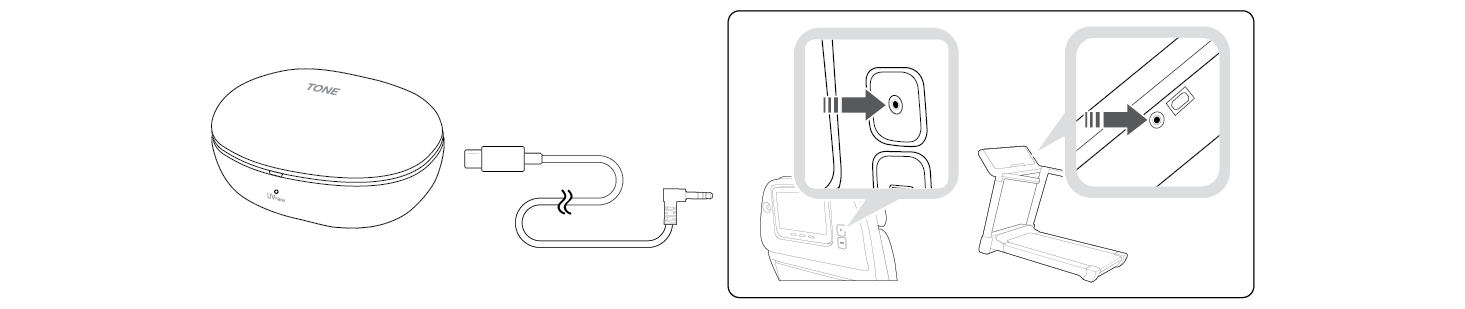

- c Wear earbuds on your ears.
- d Slide the Plug and Wireless mode switch to the right to turn on the mode.
- e The indicator on the charging case blinks green.
- f When the charging case and earbuds are connected, the indicator turns off.


Disconnecting with an analog device
- a Push the Plug and Wireless mode switch to the left.
- b The indicator on the charging case blinks blue.
- c When disconnected, it is reconnected with the device with which has been previously connected.
- If you cannot find a device which has been previously connected, it enters the Connectable mode.


|
|
|
|
|


Charging